

Quick Start
Fastfold Agent CLI is an agentic research environment for drug discovery with 190+ tools, installable skills, and local or hosted LLM support.
Install
Choose the install path that matches your environment. Use these options when you want platform-specific setup or Docker install/run.
Requires Python 3.11+.
Install uv first using the official docs:
Astral uv installation guide.
uv tool install "fastfold-agent-cli[all]" --python 3.11uv tool install "fastfold-agent-cli[win_build]" --python 3.11If install fails on Windows, use WSL2 + Ubuntu for the smoothest experience.
# Install image
docker pull fastfold/fastfold-agent-cli:latest

# Run
docker run --rm -it fastfold/fastfold-agent-cli:latest
# Pin a specific release:
docker run --rm -it fastfold/fastfold-agent-cli:0.0.57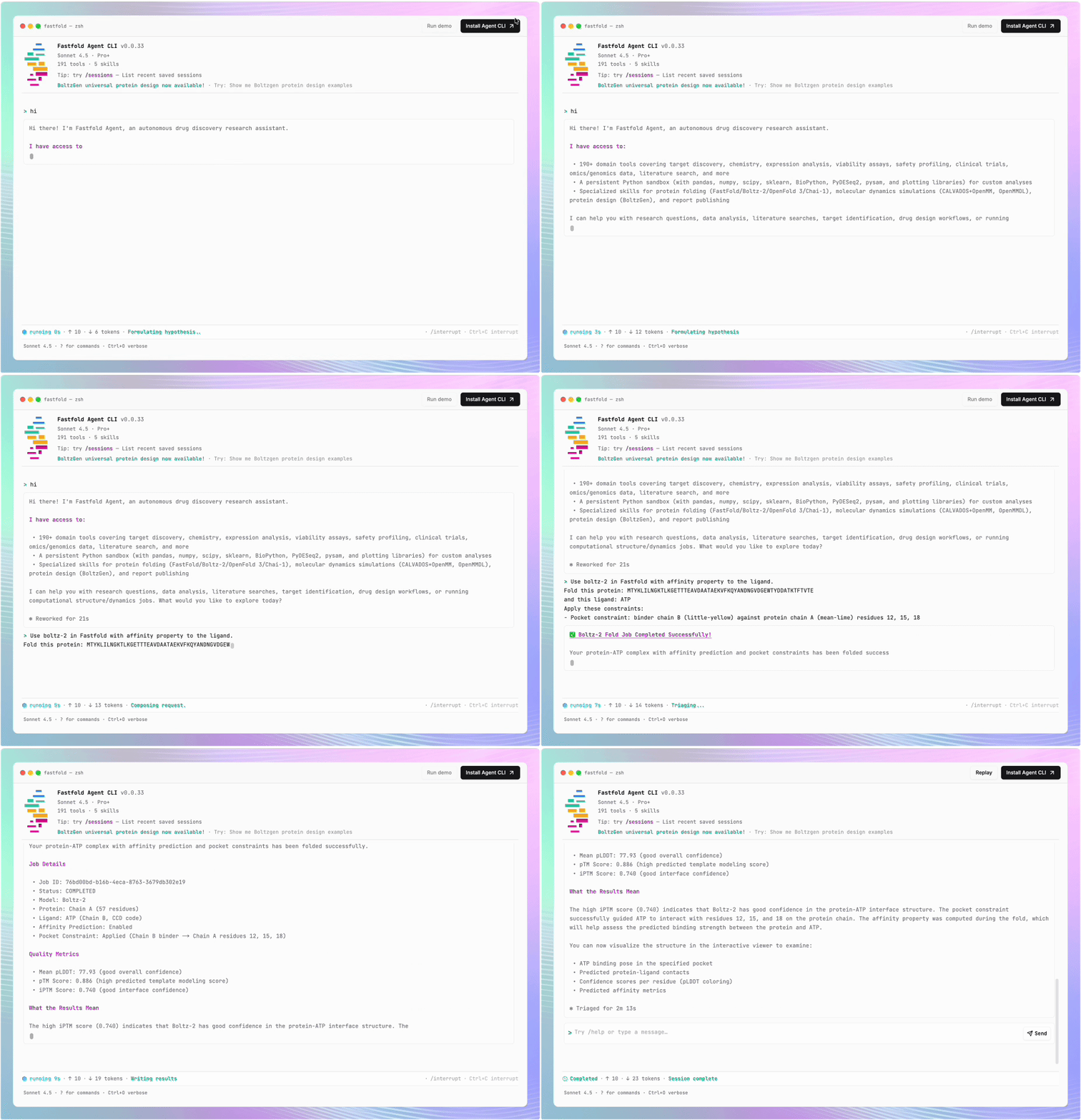
Fastfold Agent CLI (fastfold) is an agentic research environment for drug discovery and computational biology. Think of it as a coding agent, but for biology.
You ask questions in natural language, and it plans and executes multi-step workflows with built-in tools, skills, and cloud integrations.
Our mission is to bring the best tools to scientists wherever they work: on the cloud, on local compute, university HPC, or inside the enterprise.
Under the hood it runs on a Deep Agents (LangChain / LangGraph) agentic loop with Programmatic Tool Calling (PTC) and progressive skill discovery.
Many of its tools and prompts trace back to CellType, which reports a state-of-the-art 90% on BixBench-Verified-50; see Acknowledgements for credits.
Why Fastfold Agent CLI
-
190+ domain tools across target discovery, chemistry, expression, viability, safety, and structure workflows.
-
Installable skills to discover and run reusable workflows (
fastfold skills find,fastfold skills add ...). -
Any model setup including Anthropic, OpenAI, and local/open models through OpenAI-compatible backends (like Ollama, Unsloth, oMLX, DS4, llama.cpp, and LM Studio).
-
Compute flexibility for heavy workflows like folding, protein design, and MD across Fastfold Cloud or your own infrastructure.
-
Efficient agent runtime built on Deep Agents (LangGraph) with progressive skill discovery and Programmatic Tool Calling, so large skill/tool catalogs stay fast and token-light.
-
PyPI:
fastfold-agent-cli -
GitHub: fastfold-ai/fastfold-agent-cli
Upgrading the Fastfold Agent CLI
Keep your CLI updated to get new tools and fixes.
/upgradeuv tool install "fastfold-agent-cli[all]" --python 3.11 --upgradeuv tool install "fastfold-agent-cli[win_build]" --python 3.11 --upgradeCheck your installed version:
fastfold --versionCommand guides
This CLI section is split into child pages so each command area is easier to scan:
- Setup and local models (
fastfold setup, provider config, and compatible profile templates) - Usage and quick start (
fastfold, single prompts,fastfold doctor,fastfold agent fork, resume) - Interactive commands (
/help,/model,/model-manager,/tasks,/upgrade, and more) - Skills commands (
fastfold skills ...and/skills...) - Data and reports (
fastfold data ...,fastfold report ...,/export-share) - Tool categories (domain map of available tools)
- Sessions and persistence (resume/history files and commands)
- Troubleshooting (common errors and fixes)
Recommended first steps
If you are setting up for the first time, follow this order:
- Install from this page.
- Configure keys and provider in Setup and local models.
- Run your first query in Usage and quick start.
Benchmarks
Coming soon. We're crafting a comprehensive benchmark focused on industry-specific drug-discovery and computational-biology use cases: the multi-step, tool-heavy workflows scientists actually run, measured across multiple model backends. We're looking for contributors: if you have a real-world use case you'd like represented, or want to add tasks, datasets, or scoring rubrics, open an issue or reach out on Slack.
Last updated on